BC.GAME app download for Android and iOS
This page covers one thing: getting the app onto your phone. You have three options, and all of them reach the same games and the same wallet. Pick the one that fits your device. If you want the full picture of what the app opens up, start on the bc game casino and sportsbook home.
Android APK download
Android users can install the APK directly. It is the same build as the site, packed as an app file so you get a home screen icon and faster launch.
- Open the download link from the official source.
- Allow install from your browser when Android asks.
- Open the downloaded APK and tap install.
- Log in with your account and play.
iOS install for iPhone
On iPhone you add the site to your home screen as a web app. Open the site in Safari, tap share, then Add to Home Screen. It then runs full screen like any app, with the same login.
No download option
If you would rather not install anything, the mobile site does everything. Same games, same crash and aviator, same cricket betting. Just open it in your browser and use the bc game login.
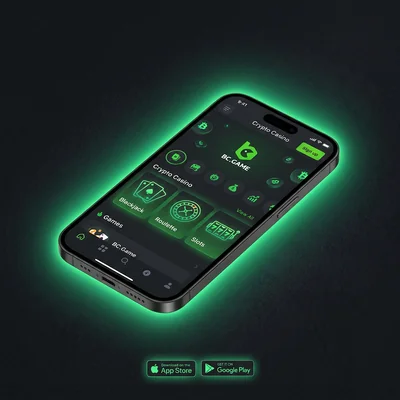
What the app includes
- Full casino: crash, aviator, mines, slots, live tables
- Sportsbook with cricket, football and more
- PKR deposits with JazzCash and Easypaisa and crypto
- Push alerts for bonuses and results
Which version should I get?
If you are on Android and want the quickest access, the APK is the pick. On iPhone, the home screen web app is the standard route. If your storage is tight or you play now and then, skip the install and use the browser. Any of these keeps your account and balance in sync.
FAQ
The APK from the official source is the same build as the site. On Android you allow install from your browser once, then open the file. Avoid random third party mirrors.
Yes. On iOS you add the site to your home screen as a web app, or install through the official iOS route. It runs full screen like a normal app.
No. The site runs in any mobile browser with the same games and login. The app just adds a home screen icon and quicker access.
The app checks for the latest version on launch. If you used the APK, download the newest APK and install over the old one to update.
Once installed, grab the current offer on the bonus code page, or head back to the home page.